The Promptists Journal
Notes from the studio
How to spot good AI creative work, hire for it, and brief it well. Written by the people who do that work for a living.
 Workflow
 Featured
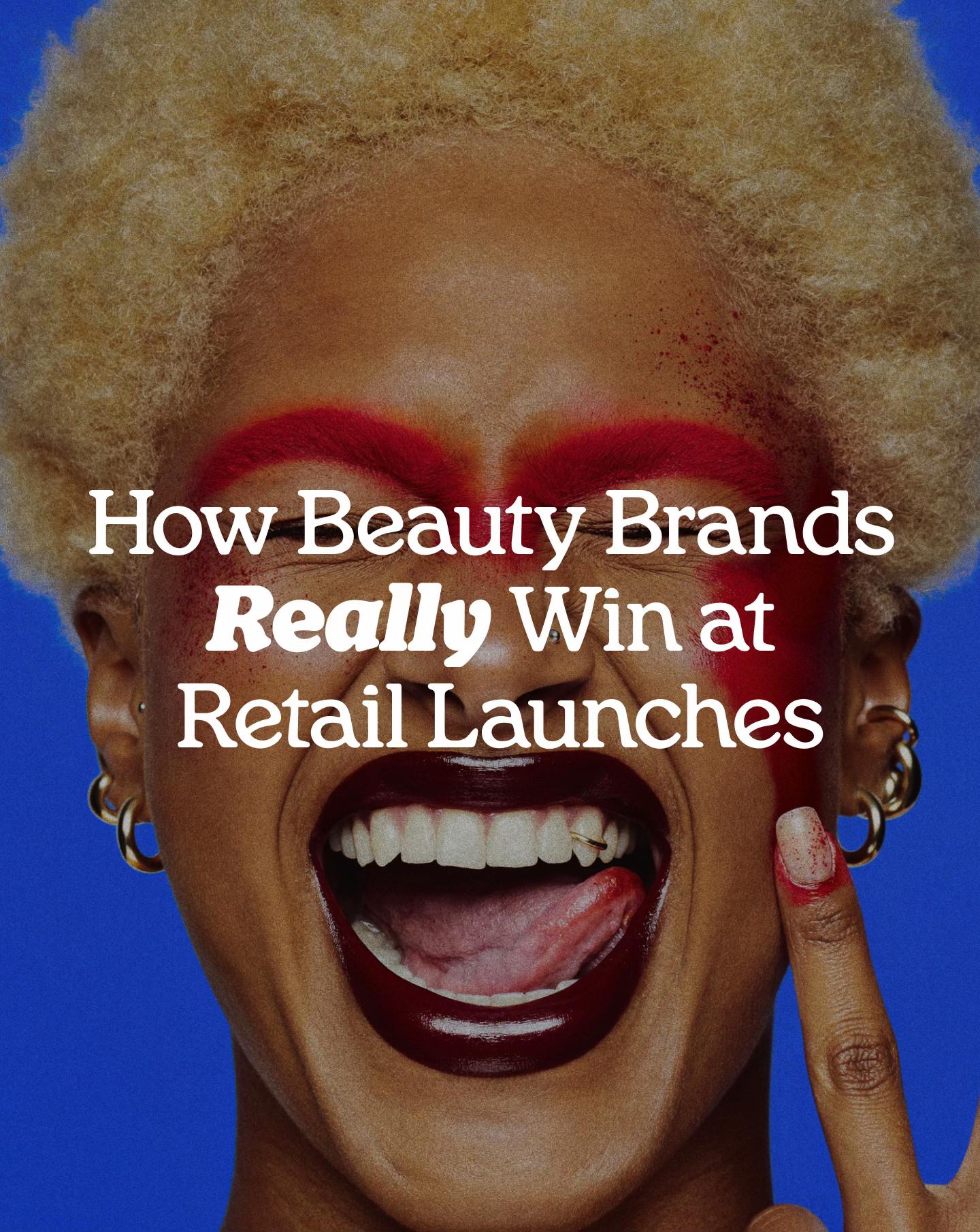
Retail placement is where brand consistency gets tested
Landing shelf space cuts your margin in half, here is why the system you build before that moment determines whether you reach reorder.
-
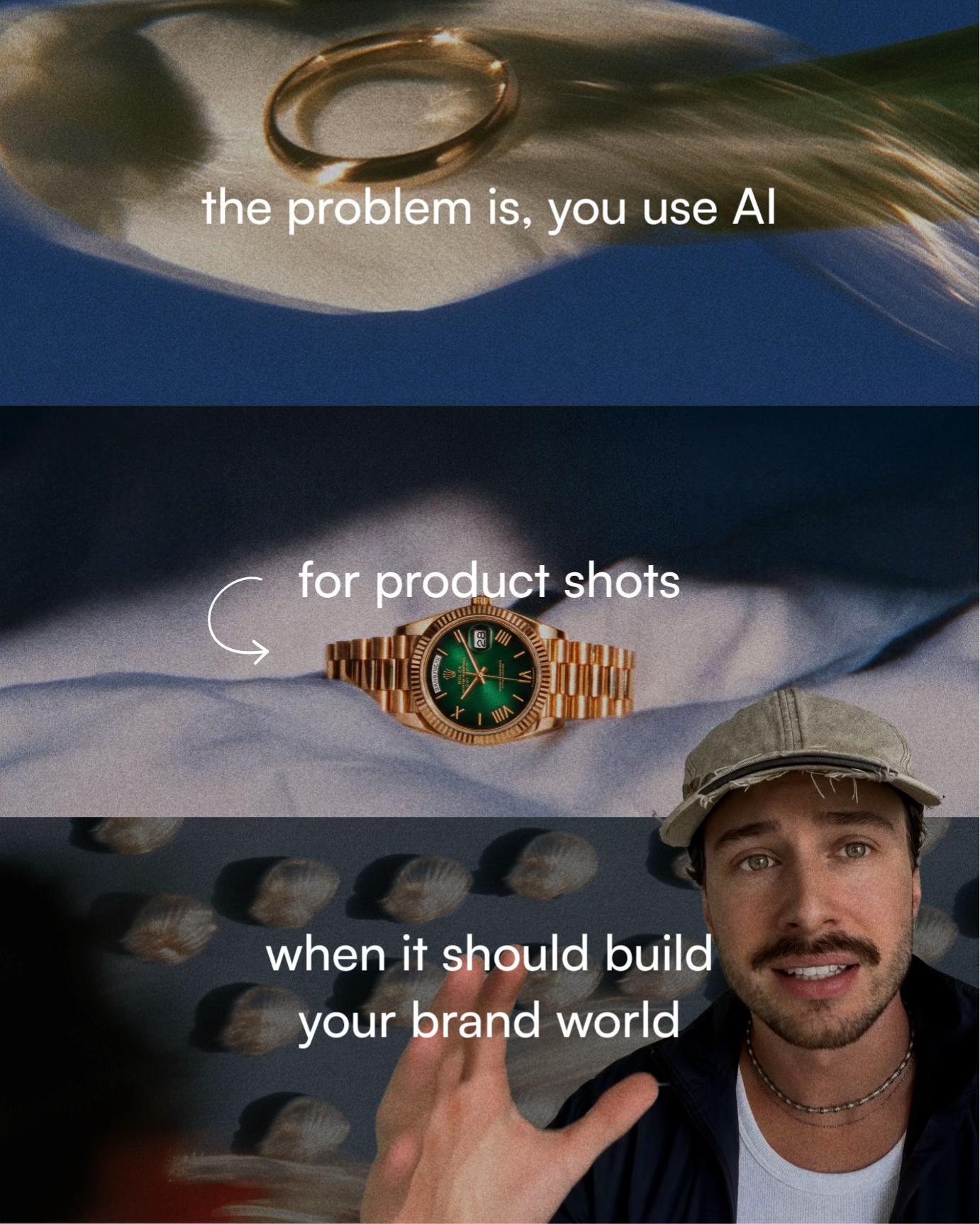
Why most AI product visuals don't compound into anything
Brands with strict visual consistency report up to 33% higher revenue growth than those producing ad hoc. Most AI creative output today is ad hoc by default. The difference is not the tool, it is whether the work is built inside a system or generated one shot at a time.
-
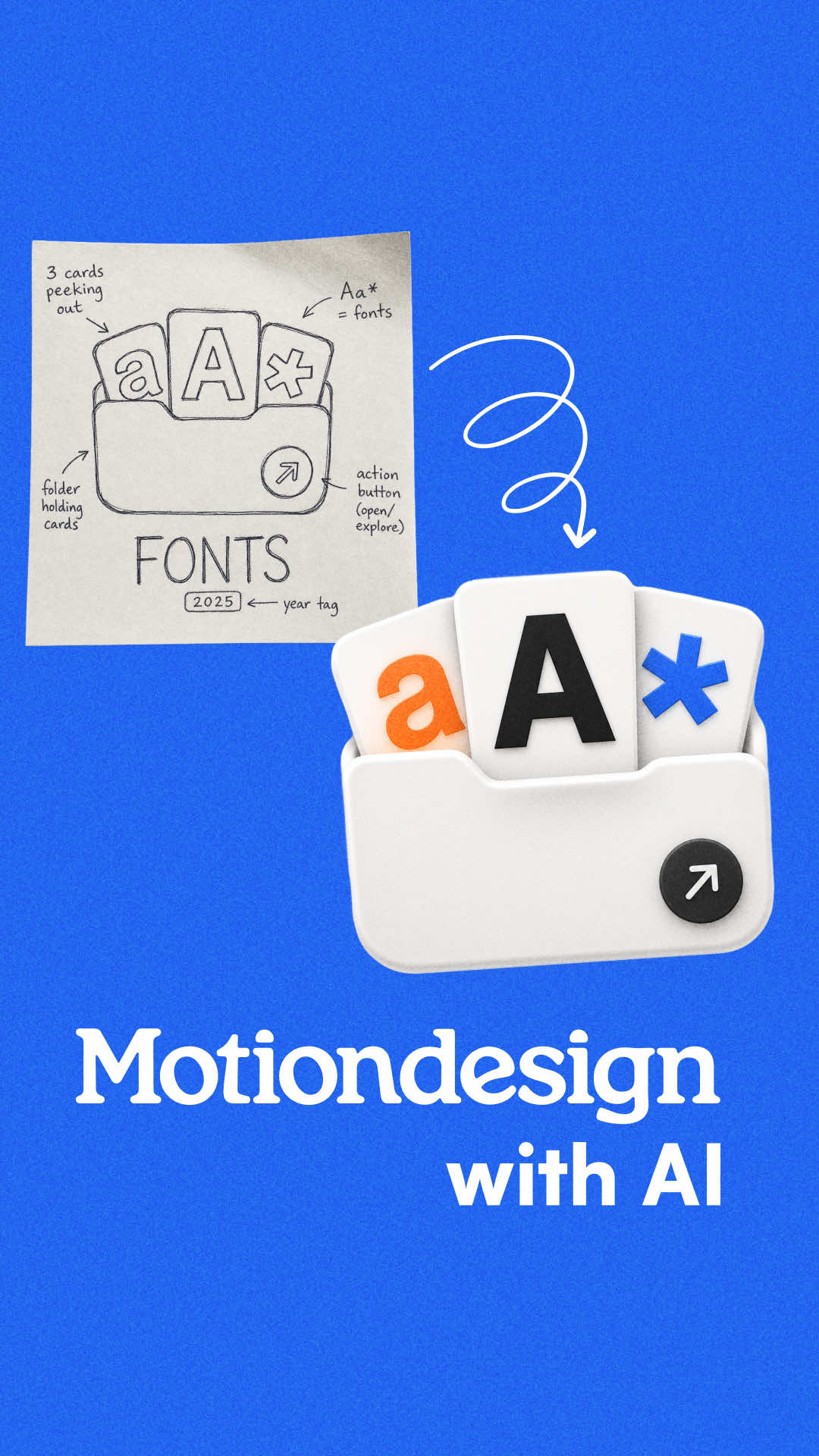
Seedance 2.0 fixes the one thing that was broken
AI motion tools have been viable for chart animations, logo reveals, and icon transitions for some time. The holdout was text, every model mangled it. Seedance 2.0 fixes the text problem, which removes the last technical reason to route this category of work through a specialist studio.
-
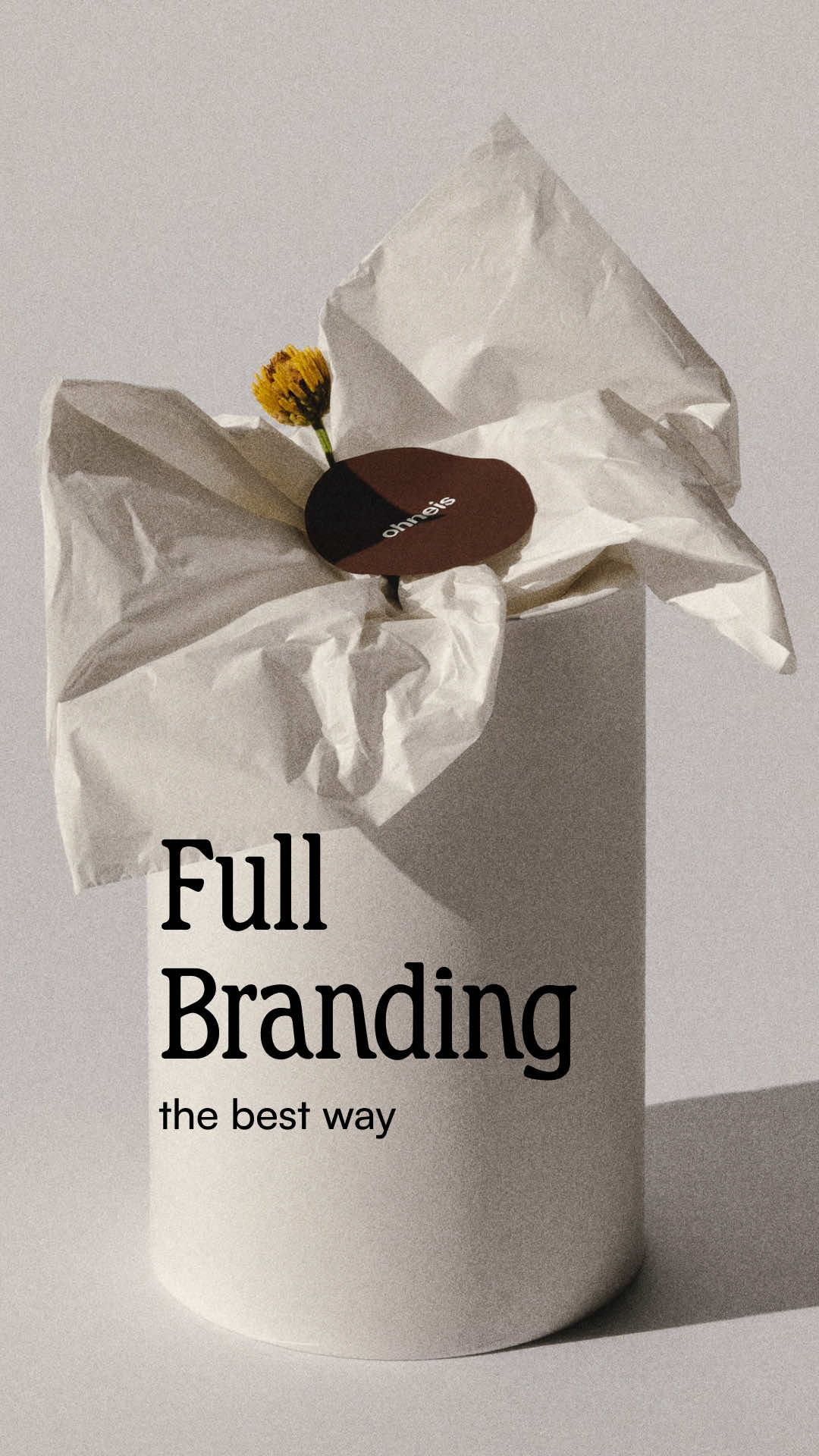
Why your product is ready but your brand isn't
Most product brands stall at the same moment: the thing is made, but the visuals don't hold together. The fix isn't a better photographer or a bigger budget. It's a creative workflow that builds one consistent visual system and then runs every asset type through it.
-
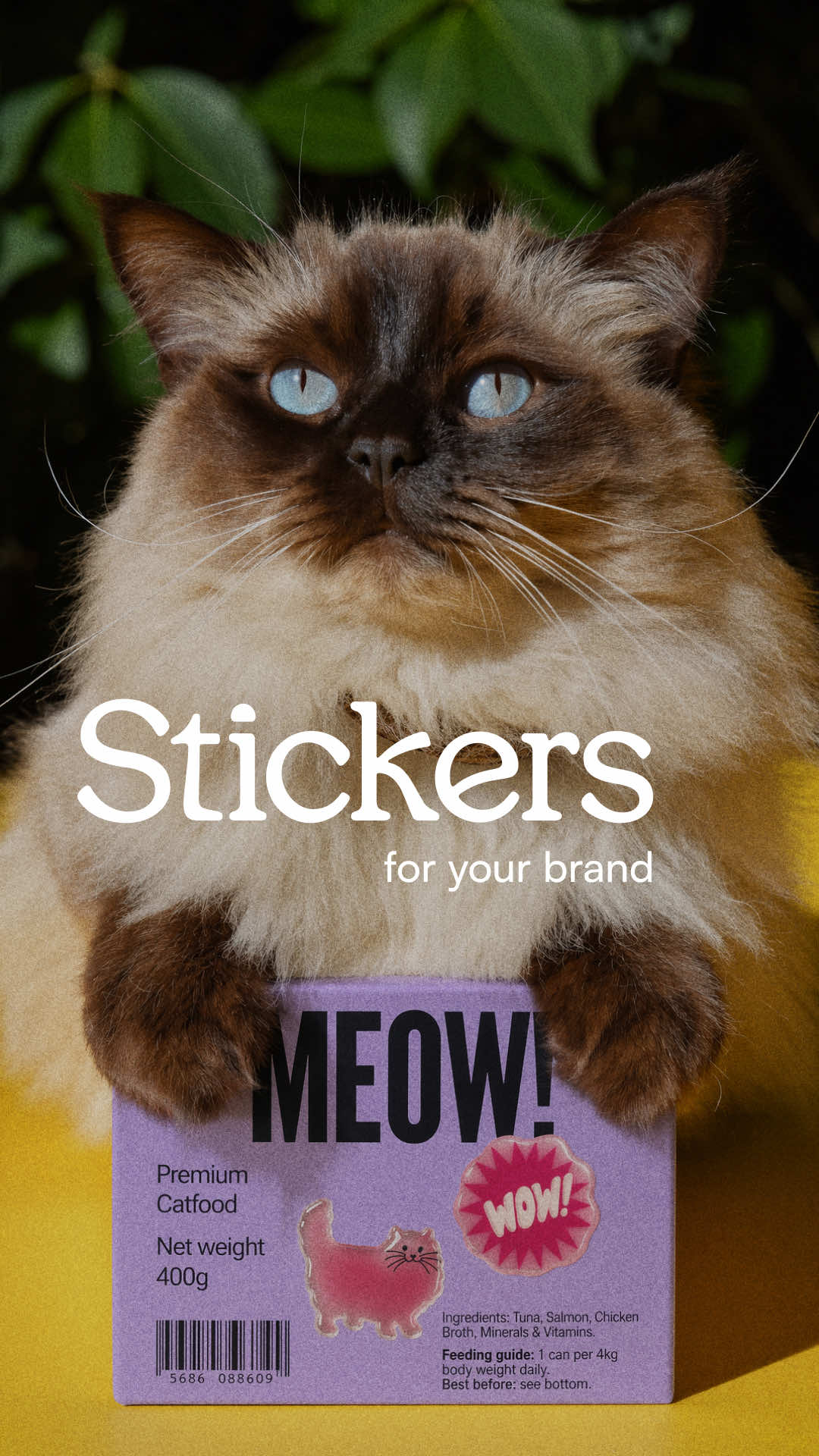
Why a sticker might be your brand's sharpest tool
Custom AI-generated stickers, saved as reusable elements across platforms, let brands create a consistent tactile and visual identity without rebuilding creative from scratch every time. The detail is small. The cumulative brand effect is not.
-
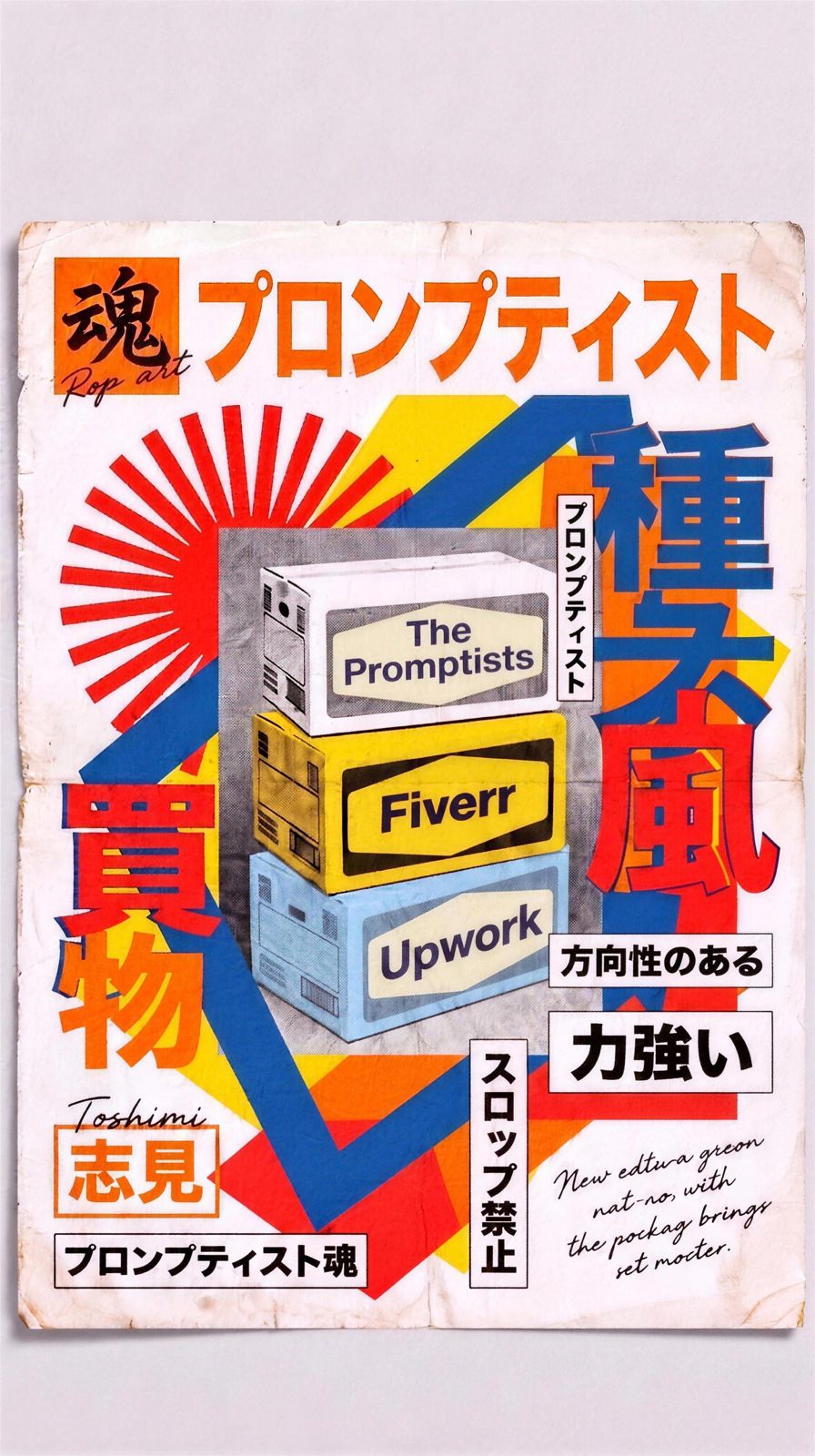
The Promptists vs Fiverr vs Upwork for AI creative work
Fiverr wins on price and speed for cheap, low-stakes AI jobs. Upwork wins on breadth and enterprise plumbing for generalist or long-term hires. The Promptists is built for commercial-grade AI creative work, matching vetted specialists to your brief so the platform does the filtering instead of you.
-
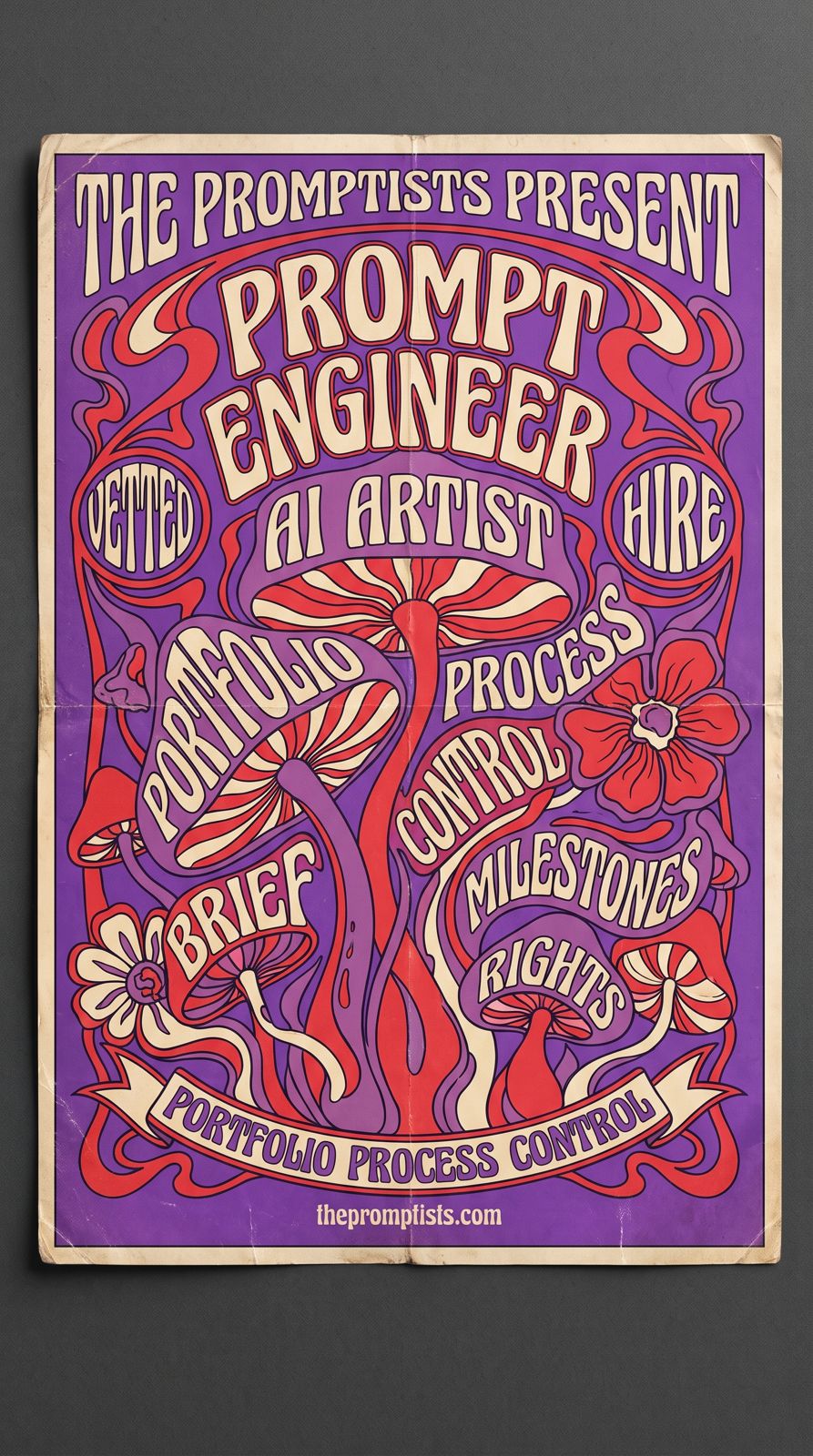
How to hire an AI creative or prompt engineer
Decide whether you need an AI artist for finished visuals or a technical prompt engineer for software before you start hiring. Judge portfolios on consistency and process rather than a single lucky image, write a one-page brief with references and clear usage rights, and pay through funded milestones so both sides are protected.
-
What does AI prompt artistry cost?
AI creative pricing swings mostly on experience: the same deliverable costs roughly 4-6x more from a Maestro than an Apprentice. A single social image runs about $30 to $350, while video climbs from a few hundred dollars to tens of thousands for broadcast work. Licensing, rush turnaround, revisions, and finish requirements move every quote from there.
-
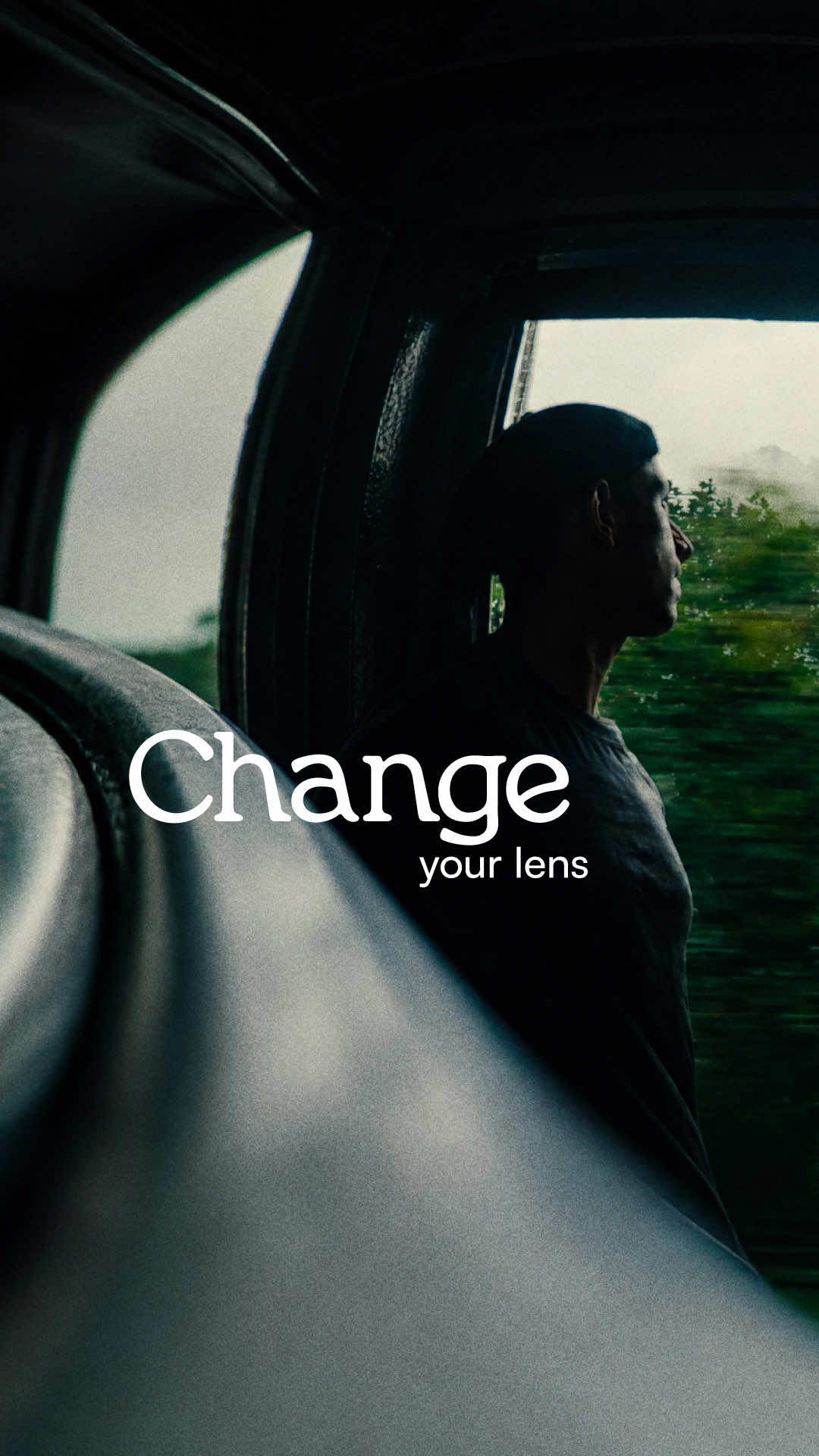
How to make phone footage look cinematic with AI
Applying a color filter to phone footage changes the palette but leaves the flat, compressed optics completely untouched. A workflow built around AI lens simulation actually changes the optical character of the shot, depth, distortion, compression, after the footage is already in the edit.
-
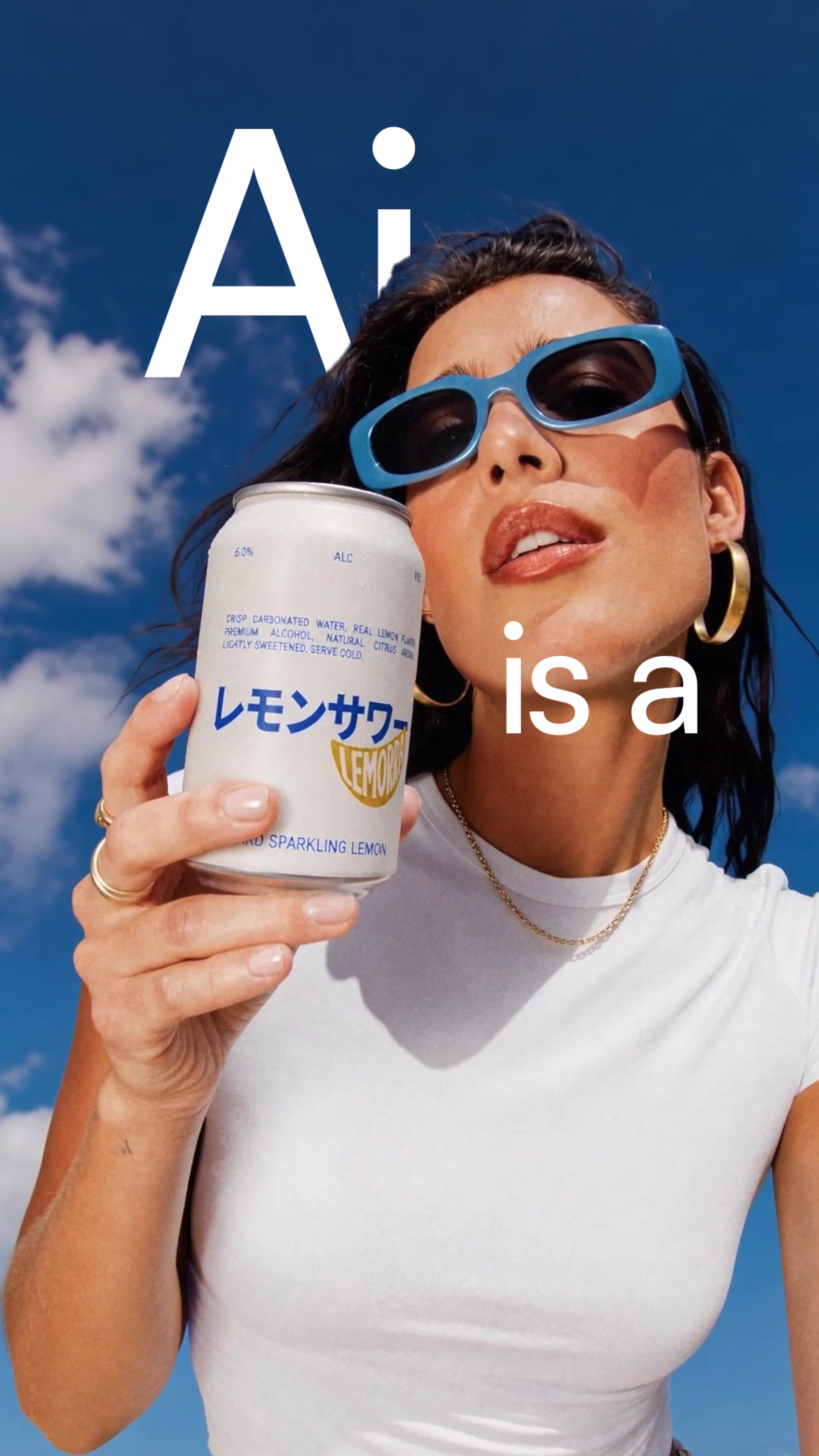
Why AI logos look generic (and how to fix yours)
AI-generated logos fail for a specific reason: they're produced by a single prompt rather than an iterative creative conversation. The output improves dramatically when someone with real creative judgement is guiding the process, not just triggering it.
-
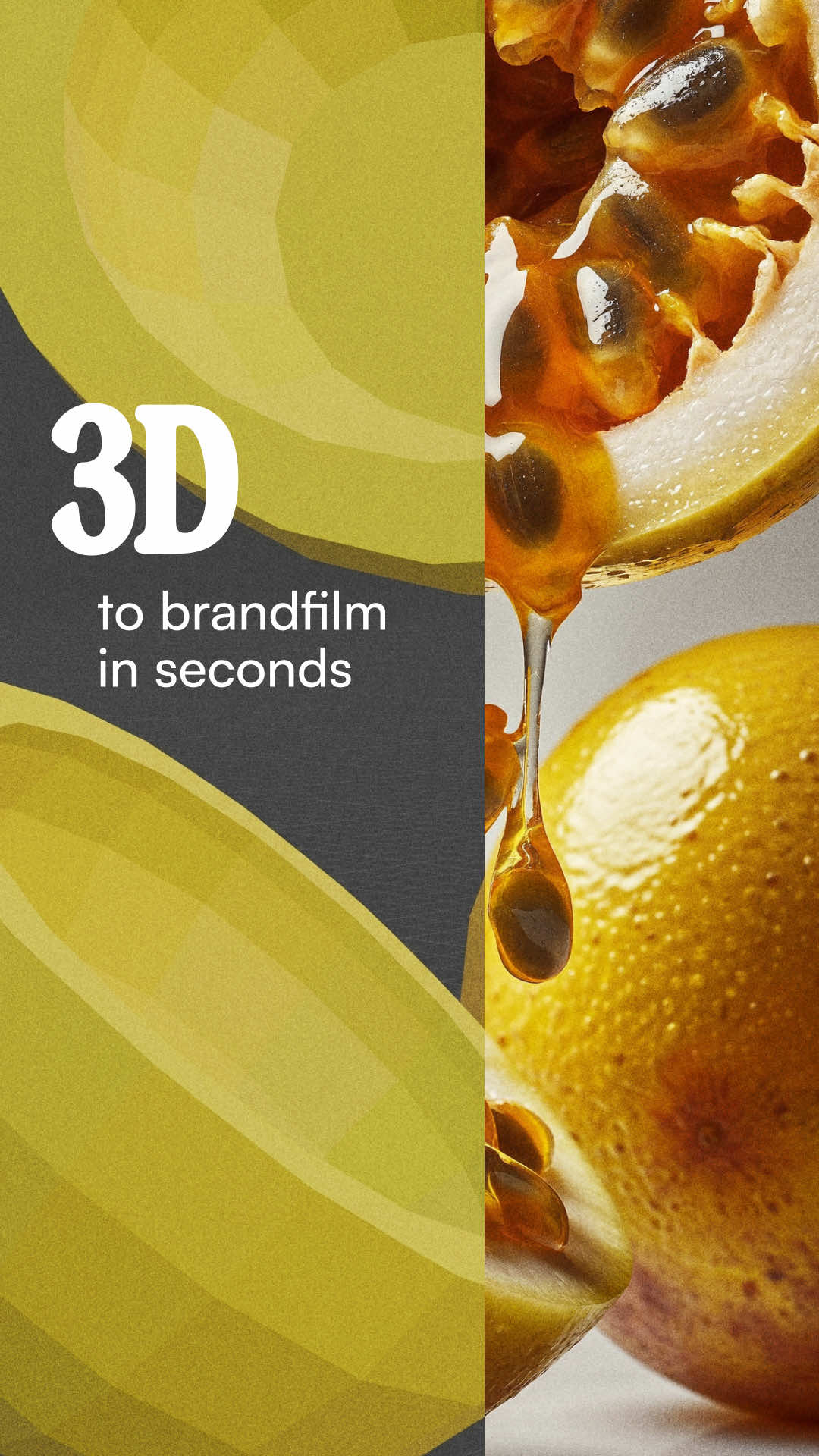
AI product shots: why the best start with human control
AI handles glass, reflections, and lighting beautifully. It handles timing, camera movement, and intent badly. The workflow that produces polished product ads splits those responsibilities deliberately, with a human building the shot structure first and AI finishing the look.
-
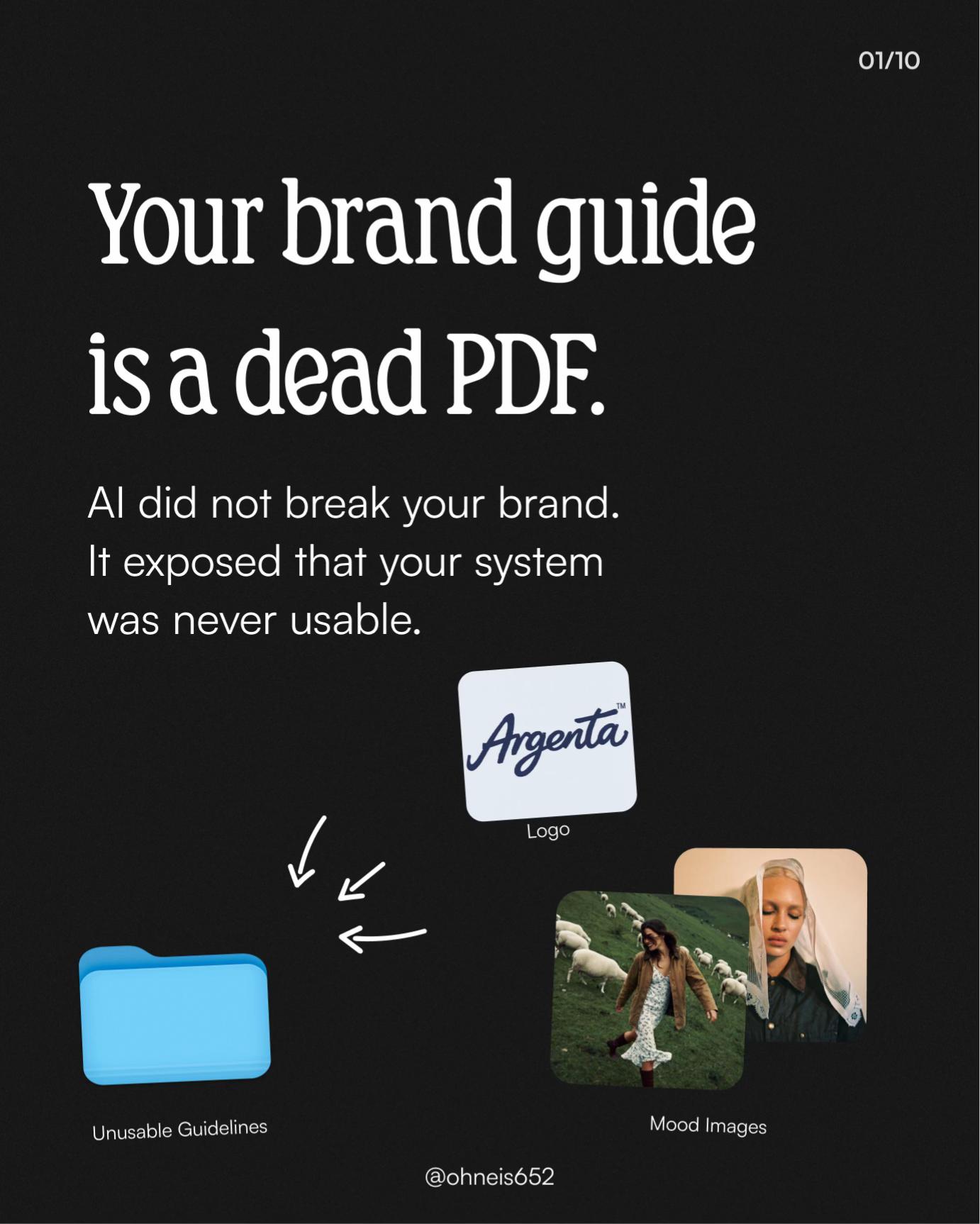
Why your brand guide doesn't work for AI
Traditional brand guides were designed for human designers to reference occasionally. AI creative tools need something more structured: organised asset folders, tested prompts, motion rules, and explicit forbidden styles. Without that infrastructure, every AI output starts from zero, and your brand looks different every time.
-
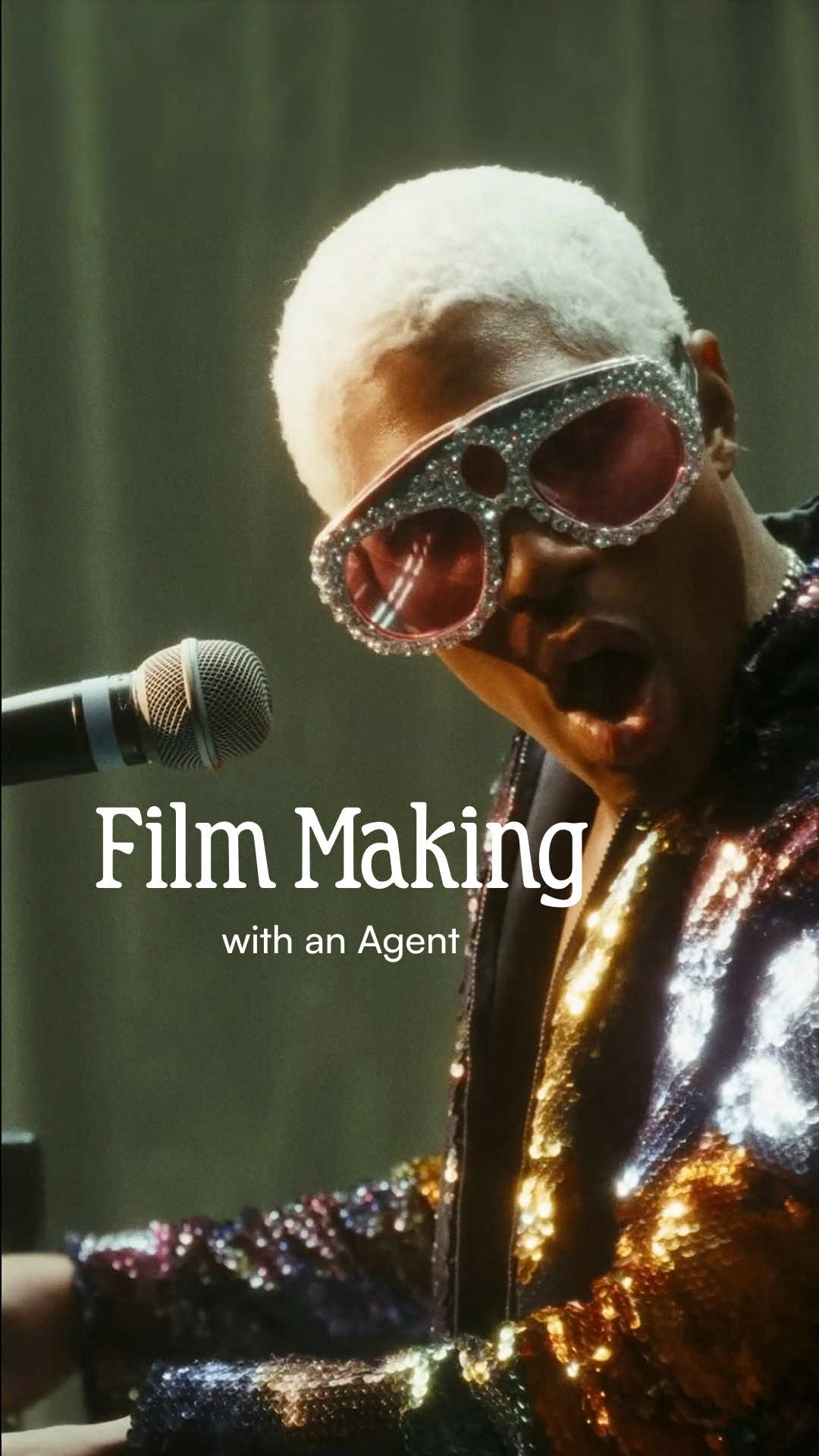
How to use AI video in pre-production
Most AI video gets used as a one-off output tool, which is why most of it disappoints. The more productive approach is using it in pre-production to explore ideas, surface unexpected angles, and get your whole team reacting to something real before a frame is properly shot or rendered.
-
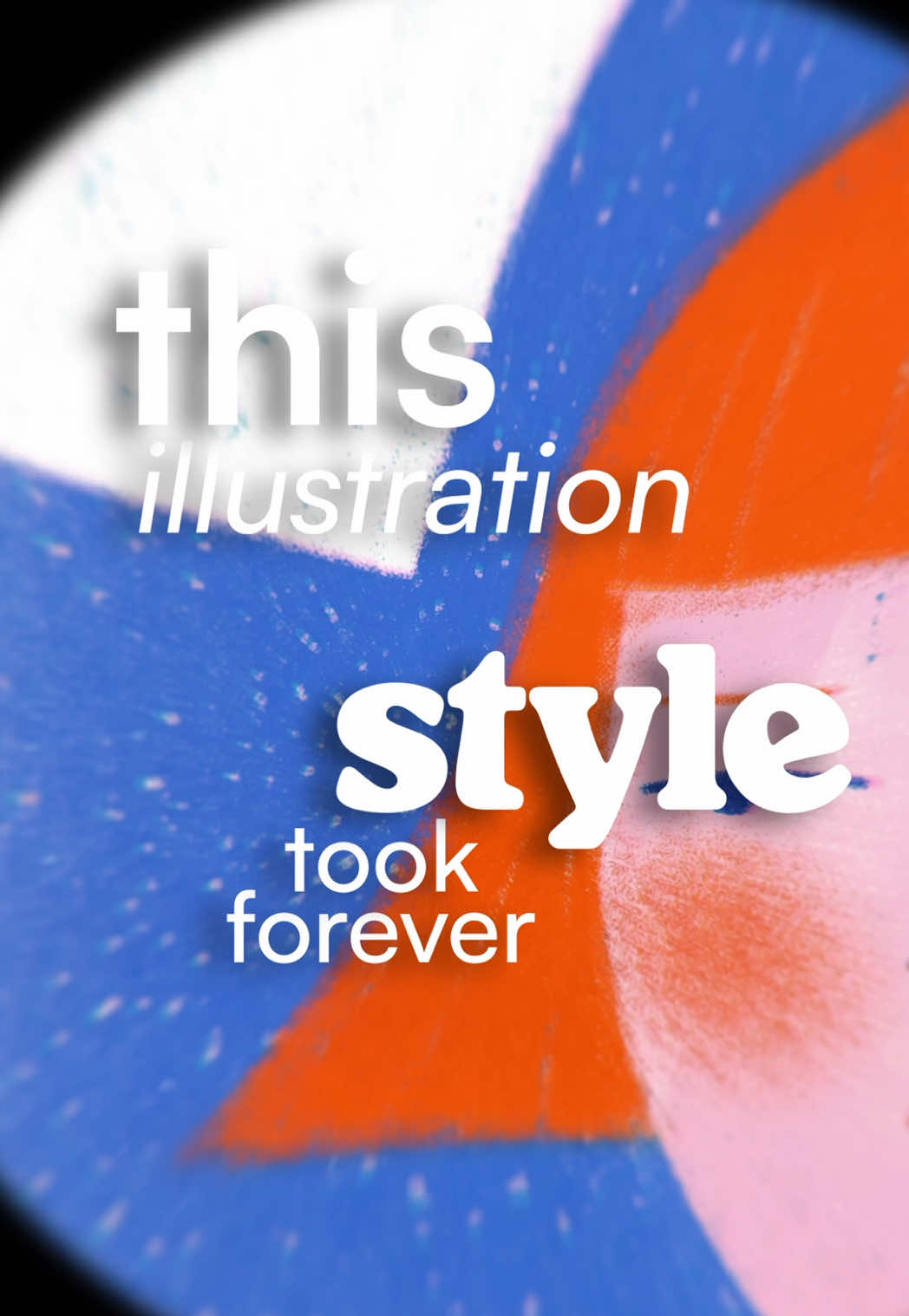
Why your audience doesn't care how the art was made
A polished illustration style got a strong reaction, until people found out AI was involved. But the creative direction, colour palette, and compositional choices were identical either way. If the output works before you know how it was made, the process shouldn't change its value.
-

Why your team is only using one AI tool
Most marketing teams default to one or two AI tools regardless of the task. In 2026, that's leaving real capability on the table. Different models have genuine, measurable advantages in speed, context capacity, and reasoning depth, and knowing which to reach for is itself a craft skill.
-
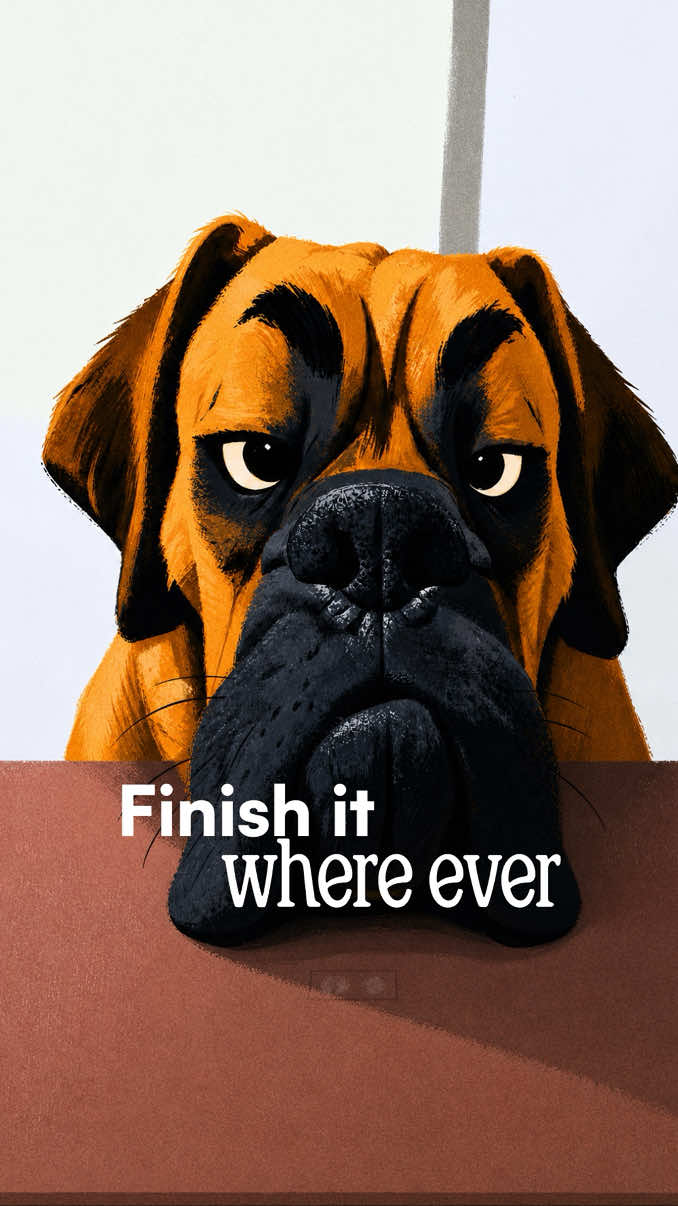
Why your best campaign ideas die before lunch
Most AI creative work fails not because the ideas are bad but because there is no system to catch them when they arrive. A well-built AI creative system holds full project context across devices and sessions, so a single note becomes a executed direction, not a forgotten thought.
-
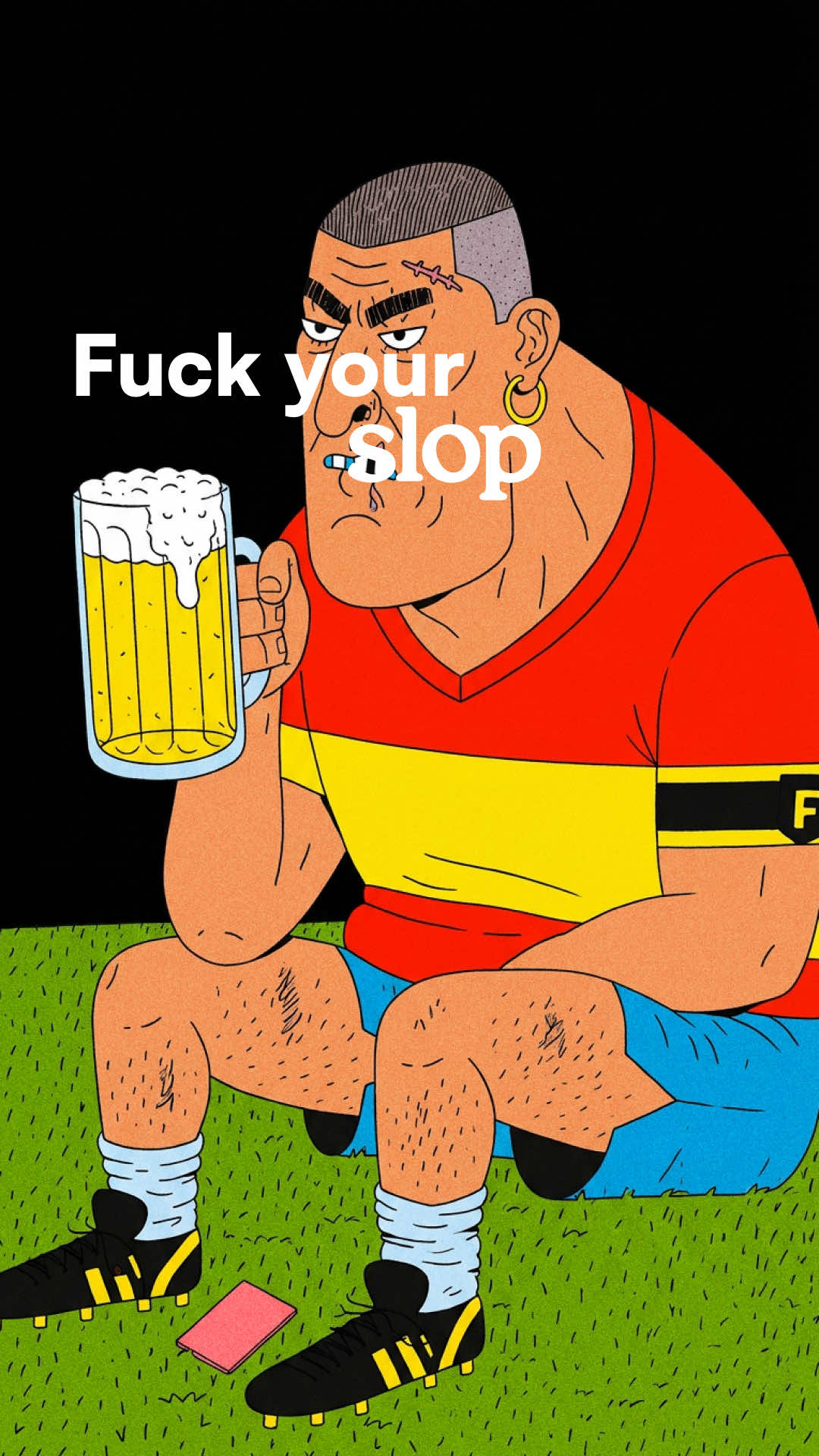
Why your AI creative output looks like everyone else's
Bland AI output is a taste problem, not a technology problem. Brands that prompt for 'clean and professional' get the average of everything that came before them. The brands pulling away are the ones with a clear point of view and the creative judgement to push against the defaults.
-
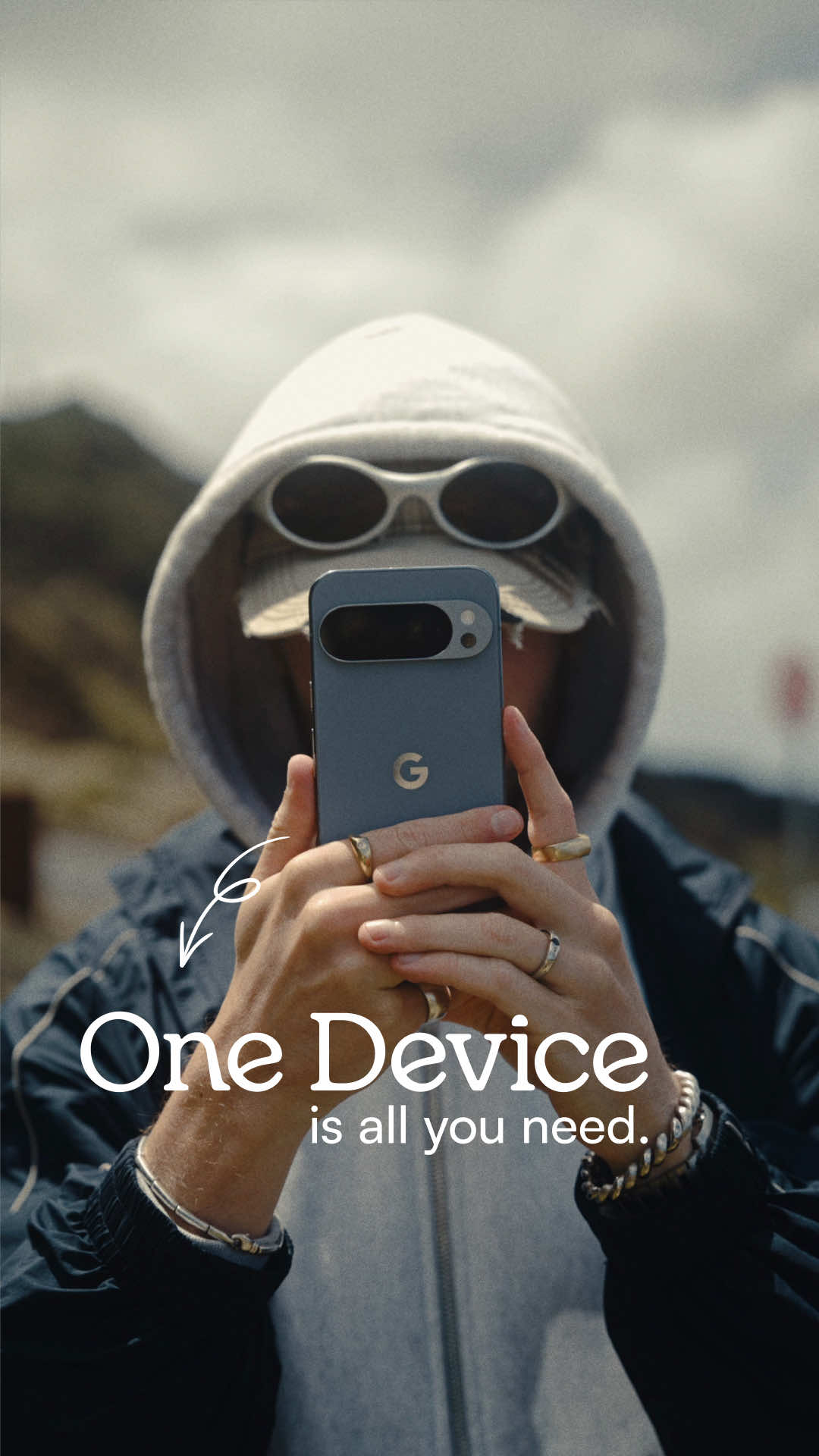
Two frames, two prompts: how AI transitions actually work for brands
A convincing AI video transition is not magic and not luck. It is a process with a clear structure: a deliberate start frame, a deliberate end frame, and a prompt built to bridge them. Understanding that structure is what separates one impressive clip from a repeatable creative capability.
-
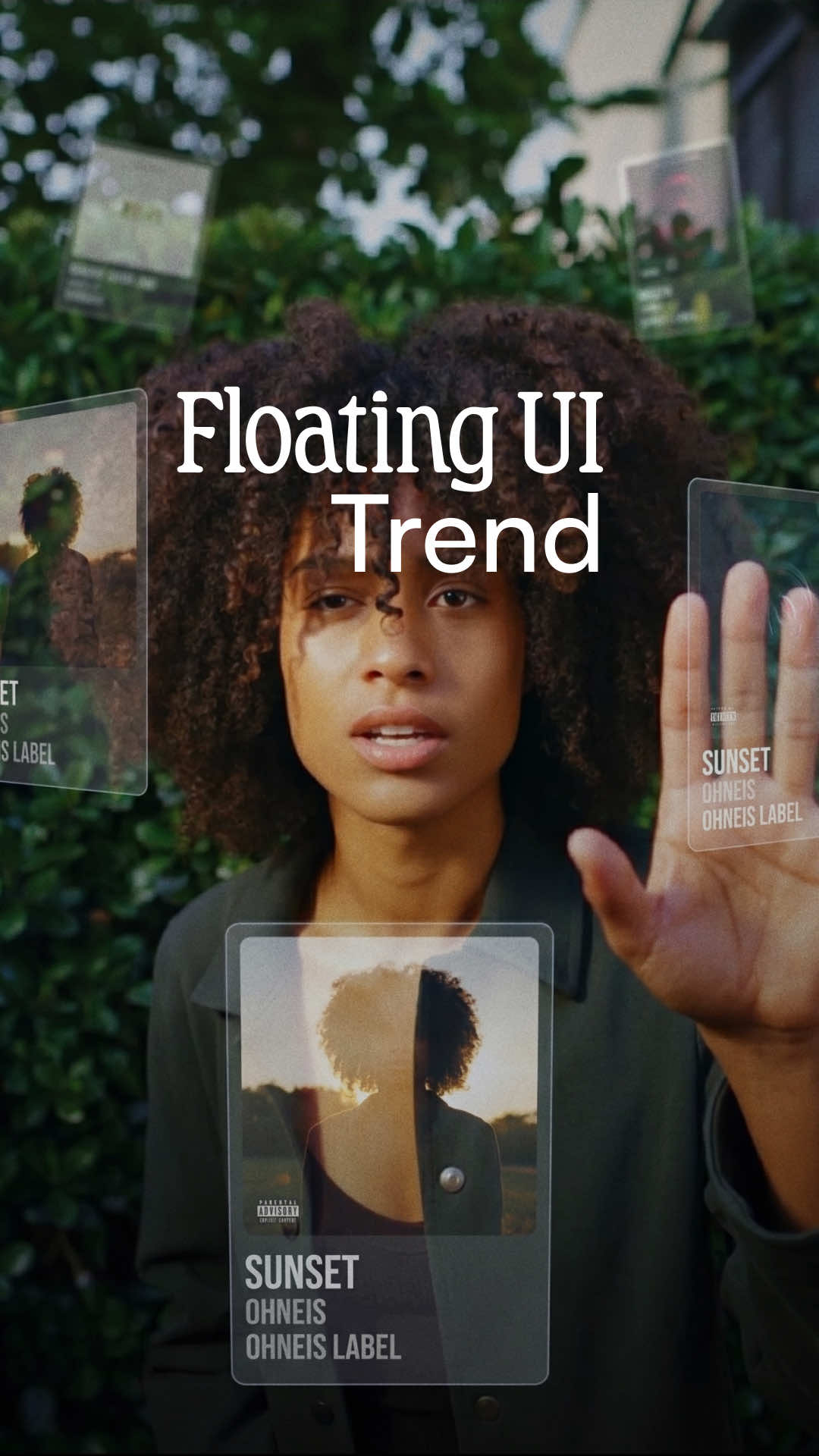
Why your AI visuals still look pasted together
Most AI-generated visuals fail not because of the tool, but because depth and light source are never defined. Treating every visual element as a physical object in a real scene, rather than a flat layer, is the decision that separates work that looks intentional from work that looks generated.
-
Why your UGC production cycle is already too slow
Traditional UGC production takes days to brief, weeks to revise, and by the time an ad is done the trend has moved on. The brands outpacing everyone else right now are doing something structurally different: they're reverse-engineering what already converts, then rebuilding it around their own product.
-
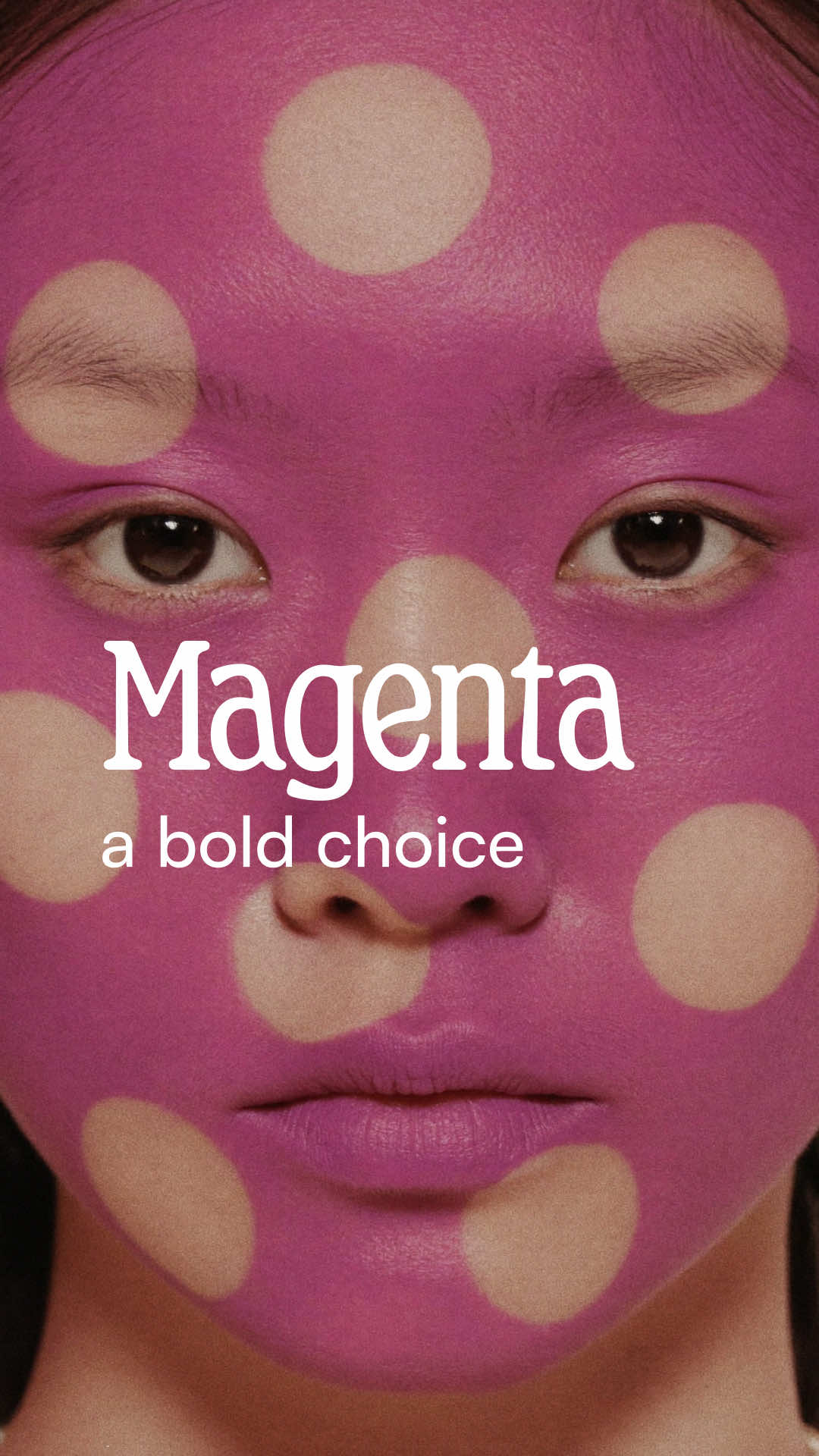
Why playing it safe with your brand color is the riskiest move
Default brand colors - the safe SaaS blues - make you invisible, because memory requires distinction. A committed, specific color like Magnific's magenta is more than a hex code: it anchors a whole visual system for gradients, photography, and motion. The choice should be intentional, not a default.
-
How to clone your brand voice with AI
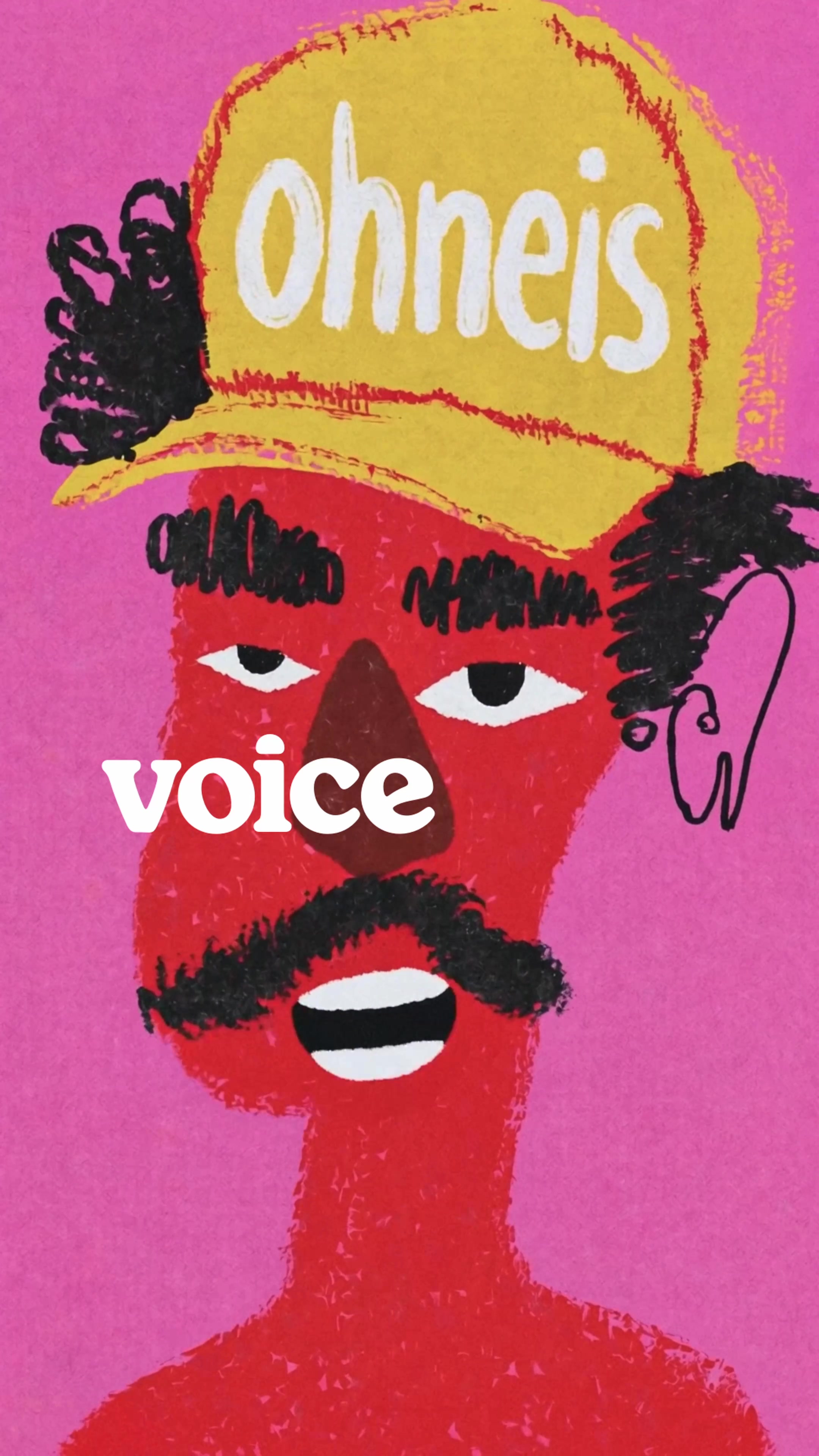
Recording voiceover one session at a time is a production bottleneck that compounds across every piece of content you make. AI voice cloning lets you capture a consistent vocal identity once and deploy it across every video, ad, and campaign without touching a microphone again.