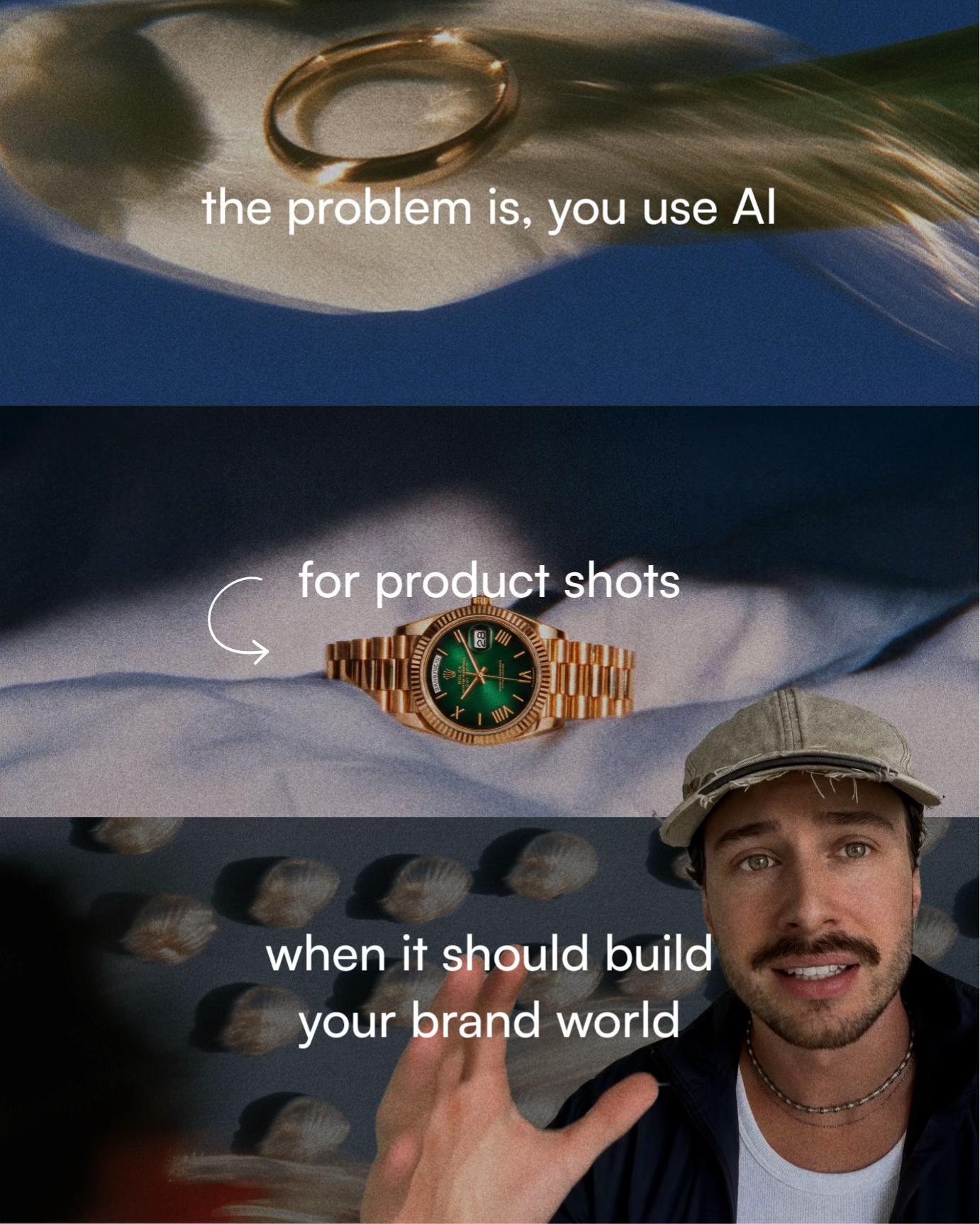
A new AI process simulates real lens optics after filming, giving brand video the depth and character of proper camera gear.
You’re in the edit and something feels off. The footage is fine, steady, well-lit, good framing, but it reads like a phone. Not because of the color. Because of the optics. There’s no compression, no depth falloff, none of the subtle distortion that makes cinema footage feel the way it does. You could grade it for hours and it would still look like a phone. That’s because a grade only touches color. The lens is already baked in.
This is the gap that a relatively new AI workflow is starting to close.
What lens simulation actually changes
A color filter or LUT works on pixel values. It can make footage warmer, cooler, more contrasty, more washed out. What it cannot do is change the apparent focal length, the depth of field character, or the optical distortion of the original shot. Those properties are physical. They’re determined by the glass in front of the sensor.
AI lens simulation works differently. Instead of adjusting color data, it reinterprets the spatial and depth information in the frame to match the optical signature of a specific lens type. The result is footage that reads as though it was shot through different glass.
A color grade changes how footage looks. This changes how it was apparently filmed.
The practical workflow
The process Ohneis652 demonstrates is specific enough to be useful:
“
A color grade changes how footage looks. This changes how it was apparently filmed.
Take a screenshot of your first frame and drop it into an AI image tool. Describe the lens look you want, anamorphic, tilt-shift, fisheye, and others are all achievable.
Take the resulting image, together with your original clip, into Seedance 2.0. Instruct it to preserve the original motion while applying the new optical look.
The output carries the lens character of your described style across the full clip, not just the still.
The part worth paying attention to is step two. Keeping motion intact while changing optical character is where this stops being a novelty and starts being a production tool. A static image with a new look applied is straightforward. A moving clip that maintains temporal coherence while adopting a new lens signature is a meaningfully harder problem, and getting it right consistently requires real technical judgement about how to prompt and constrain the model.
What this means for brand video production
Most brands shooting video content regularly are doing it on phones, or on mid-range mirrorless cameras with kit lenses. The production budget doesn’t justify a cinema package for every piece of content. That’s a reasonable and defensible position.
What this workflow changes is the ceiling. If you’re producing at volume, a weekly social series, product launches, campaign cutdowns, you now have a route to a more distinctive visual character without reshooting or renting gear. The constraint shifts from “what did we film it on” to “what look does this piece of content actually need.”
That second question is a creative and strategic one. It requires knowing what anamorphic compression communicates versus the clinical flatness of a tilt-shift. It requires making a call about whether a particular lens character fits the brand, the platform, and the audience. A tool can execute the technical transformation. The judgement about what transformation to make is still a human job.
The brands getting the most out of AI video tools right now aren’t the ones with the most access to the tools. They’re the ones with someone on the project who knows how to ask the right question before touching the software.